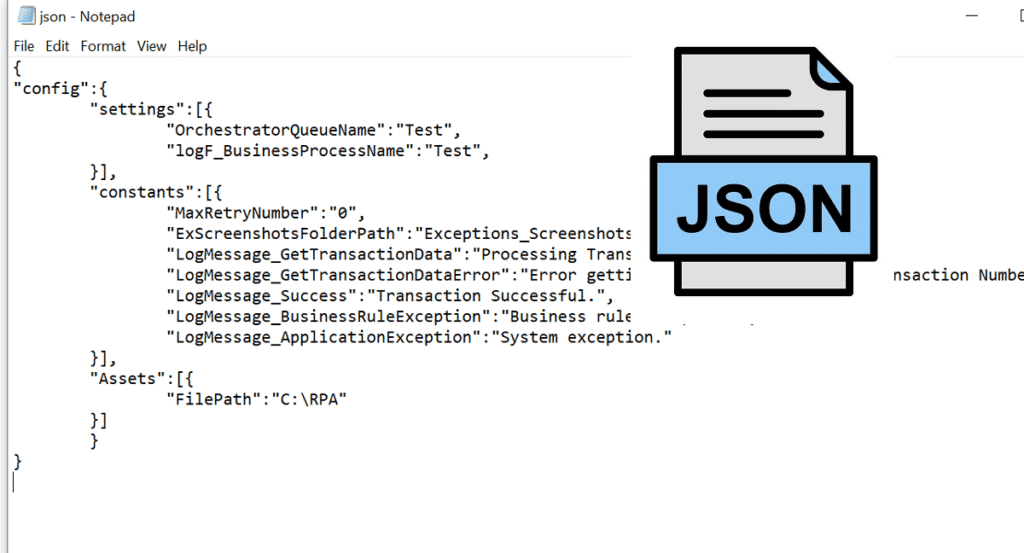

In the world of web development and programming, working with JSON (JavaScript Object Notation) has become a standard practice. Whether you’re building APIs, exchanging data between servers and clients, or simply handling configuration files, understanding and managing JSON data structures efficiently is crucial. To make this task easier, a helpful tool is a json formatter, which plays a significant role in enhancing the readability and usability of JSON data.
What is JSON?
JSON, which stands for JavaScript Object Notation, is a lightweight data interchange format that is easy for humans to read and write, and easy for machines to parse and generate. It is primarily used to transmit data between a server and a web application as an alternative to XML. The simplicity and ubiquity of JSON have led it to become a popular choice among developers when dealing with data formats.
Understanding JSON Structure
At its core, JSON is made up of key-value pairs. A JSON object is encapsulated in curly braces and can contain nested objects and arrays. Here is a basic example of a JSON structure:
    {
        "name": "John Doe",
        "age": 30,
        "isEmployed": true,
        "address": {
            "street": "123 Main St",
            "city": "New York"
        },
        "phoneNumbers": [
            "123-456-7890",
            "987-654-3210"
        ]
    }
In this example, you can see various data types including strings, numbers, booleans, nested objects, and arrays. However, as JSON data becomes more complex, it can quickly become difficult to read and debug.
The Importance of a JSON Formatter
A JSON formatter is a tool that formats and beautifies JSON code, making it more readable. The benefits of using a JSON formatter include:
- Improved Readability: Well-formatted JSON is much easier to read. It adds indentation and line breaks to make the structure visually clear.
- Debugging Support: When debugging JSON data, a formatter can help you identify errors such as missing commas, braces, or quotation marks. These small syntax issues can cause significant headaches during development.
- Data Validation: Many JSON formatters also provide validation features that check the integrity of your JSON structure, ensuring that it adheres to the proper syntax before being processed.
- Customization: Some advanced JSON formatters allow users to customize the formatting style, such as the amount of indentation, to match personal or team coding standards.
How to Use a JSON Formatter
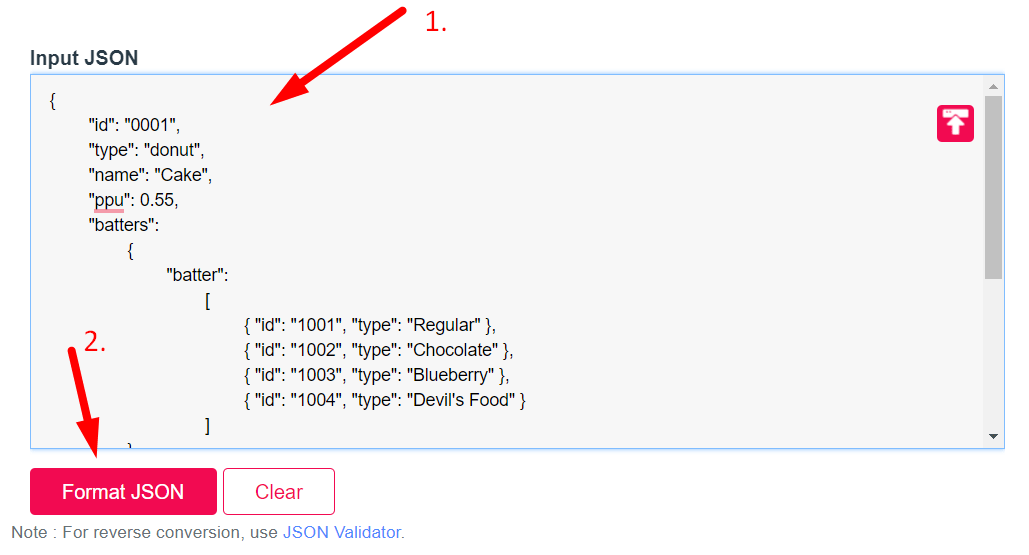
Using a JSON formatter is typically straightforward. Most online JSON formatter tools require you to paste your raw JSON data into a text area and click a “Format” button to get the nicely formatted version. Here’s a quick guide on how to use such a tool:
- Find an Online JSON Formatter: There are many available online. Choose one that you trust (e.g., json formatter).
- Paste Your JSON Code: Copy the unformatted JSON data from your project or API response and paste it into the provided text box on the formatter’s webpage.
- Format the JSON: Click the “Format” or “Beautify” button. The tool will process your data to create a more legible version.
- Review and Copy: Review the formatted JSON. You can then copy it back to your project or save it as needed.
Common Tools and Libraries
While there are numerous online JSON formatting tools, you also might want to explore JSON formatting libraries available in various programming languages. Here are a few popular options:
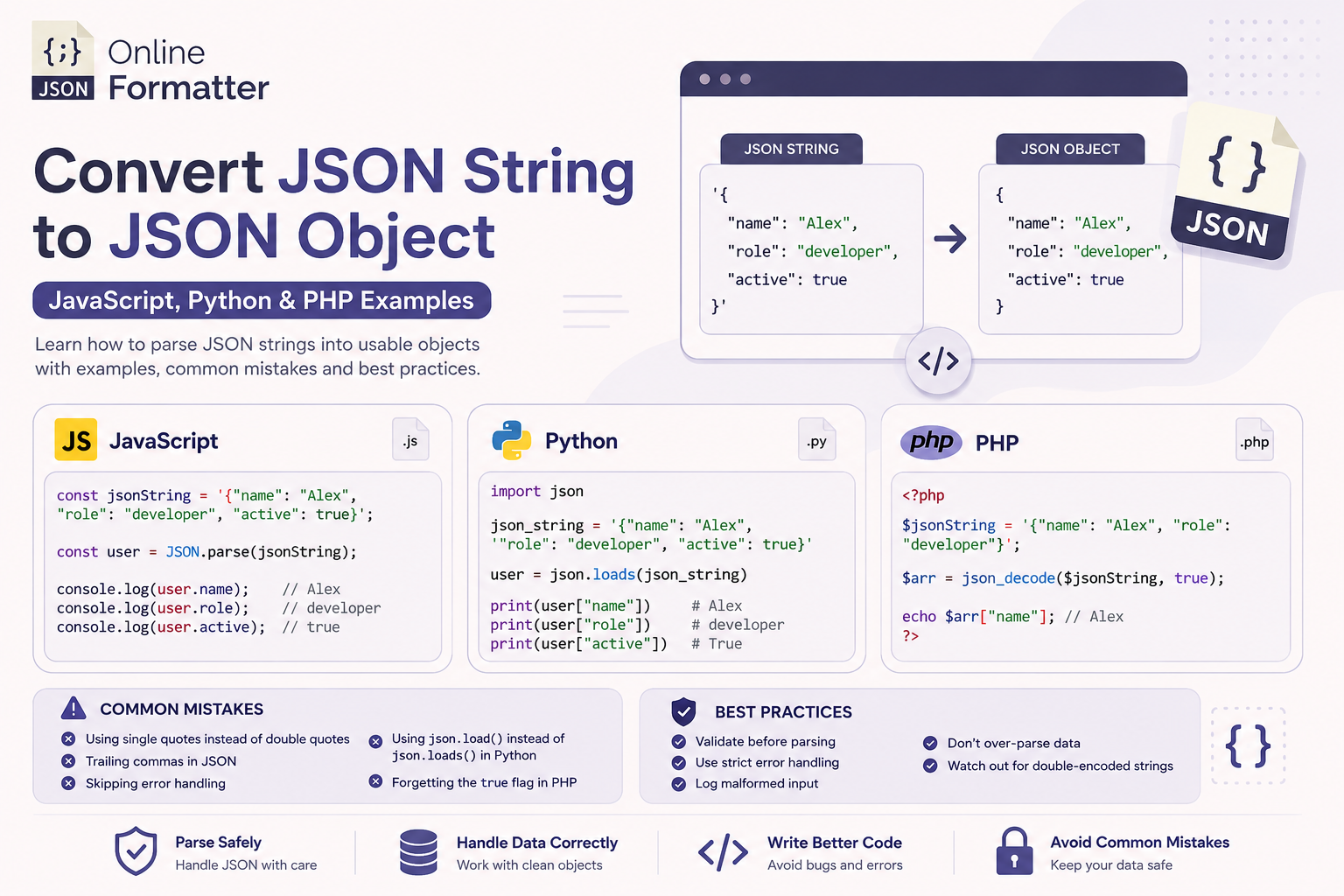
- JavaScript: The native JSON object in JavaScript has a method called `JSON.stringify()`, which can format JSON data. For example, `JSON.stringify(data, null, 2)` will format your JSON with 2 spaces of indentation.
- Python: The Python standard library includes the `json` module, which offers a `json.dumps()` method that can pretty-print JSON data. Use `json.dumps(data, indent=2)` to achieve this.
- Java: The Jackson library can format JSON data in Java. The `ObjectMapper` class provides methods to write JSON in a pretty-printed format.
- PHP: PHP includes the `json_encode()` function, where you can pass `JSON_PRETTY_PRINT` as an option to format the output.
Conclusion
In conclusion, formatting JSON data is an essential aspect of modern web development and programming. Utilizing a JSON formatter not only enhances readability but also aids in error detection and validation, streamlining your workflow. Whether you are working on a small project or a complex application, leveraging tools and libraries for JSON formatting will significantly improve your coding efficiency and effectiveness.
As you continue your journey in programming, remember that tools like JSON formatters are not just conveniences but essential resources that enable you to write cleaner, more maintainable code.